
Compare
Built-in Scan vs a Firm Workflow.
SQL AI EasyScan and AutoCount AI Smart Scan are the right first step for a business doing its own books. This page is for the firm doing forty of them — row by row, where the built-in scanner stops and a firm layer starts.
Row By Row
Three tools, ten rows
Vendor facts from SQL’s and AutoCount’s published pages and dealer price lists, as at 3 September 2026. BalanceNow rows describe the product as shipped.
| SQL AI EasyScan | AutoCount AI Smart Scan | BalanceNow | |
|---|---|---|---|
| What it is | Scan feature inside SQL Account | Scan feature for AutoCount (Cashbook) | AI key-in layer in front of AutoCount and SQL Account |
| Runs where | Inside one SQL company book | Inside one AutoCount account book | One workspace across every client book |
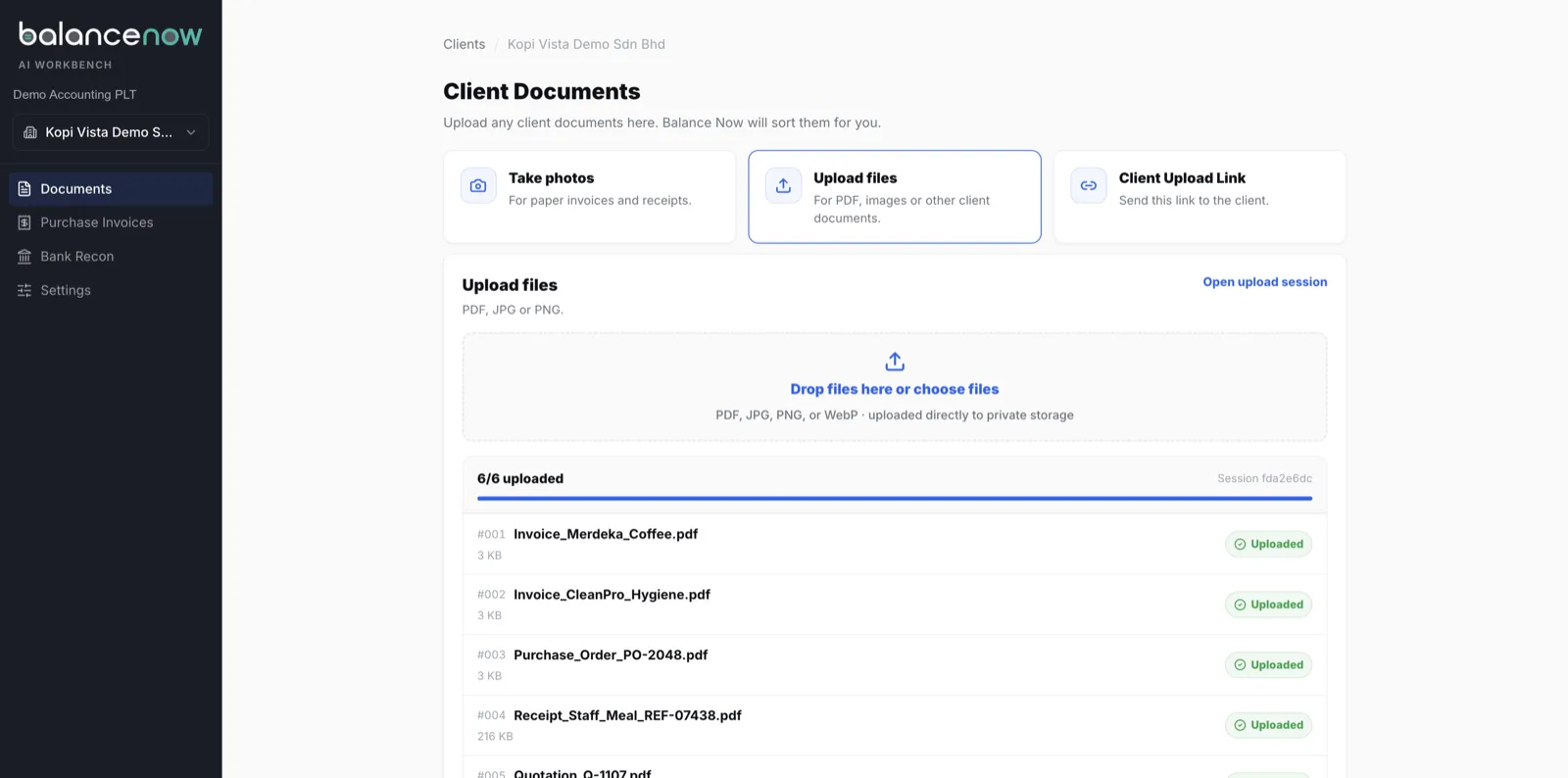
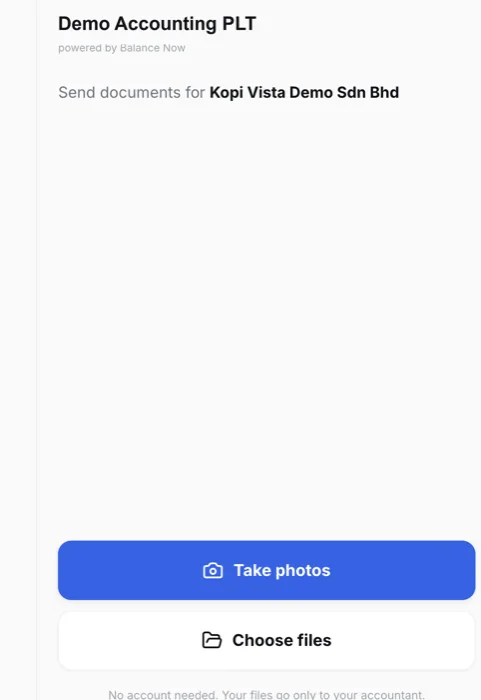
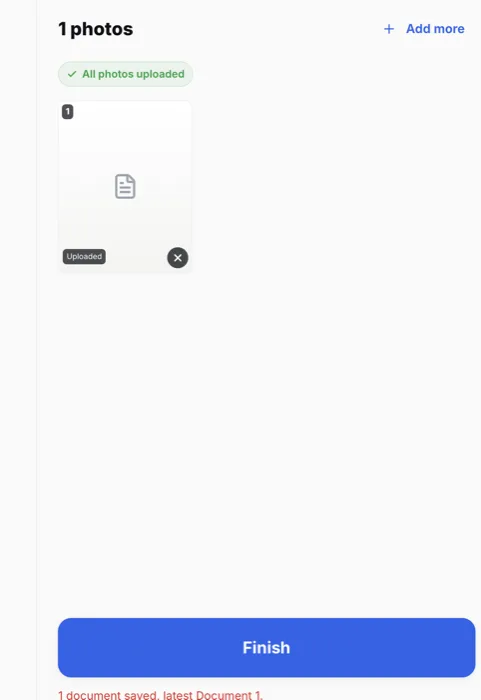
| How documents arrive | Registered WhatsApp number, or upload in SQL | WhatsApp, or image / PDF upload | Client link (no login, no app), photos, or bulk upload |
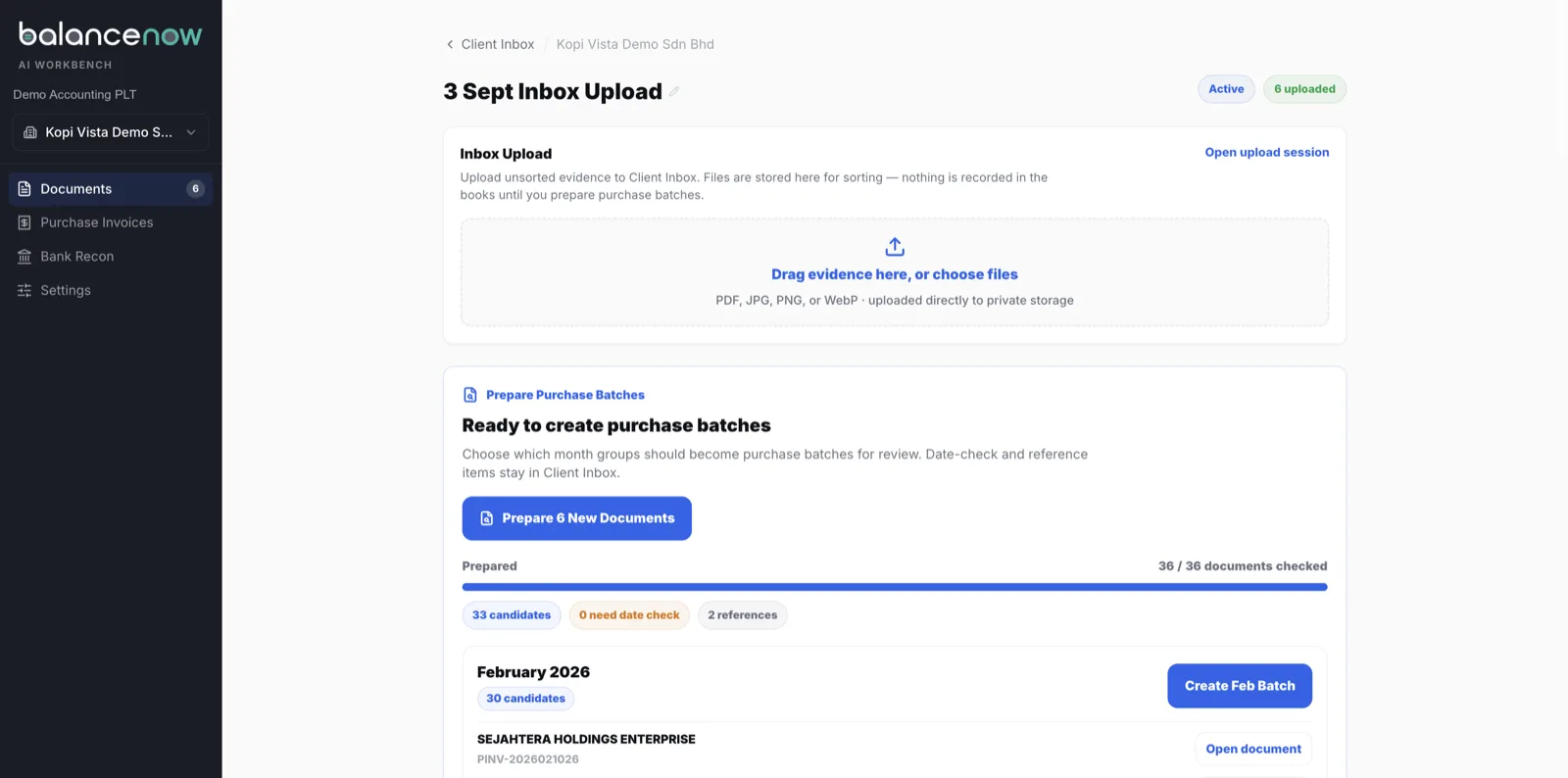
| A 30-invoice PDF | No documented split — its “group files” merges the other way | No documented split; receipt-by-receipt | Split into 30 records, original packet kept |
| A quotation or DO in the pile | Not documented — sort before upload | Not documented — sort before upload | Routed out with a reason; does not count against quota |
| A supplier the ledger has never seen | Create it in SQL first | Create it in AutoCount first | Created on the way in, before posting |
| Where the entry ends up | SQL document, in the open company | AutoCount Cashbook | Purchase invoice posted into AutoCount or SQL Account, source attached |
| Knowing it posted | Open SQL and look | Open AutoCount and look | Posted / needs fix / not AP status in the queue, with the ledger document number |
| Gate | SQL Account 5.2025.1061.890+ (Dec 2025) | Credits per book (10 free, ~RM10 / 200) | Flat monthly plan; works with SQL versions that predate EasyScan |
| Price today | Free until 31 Dec 2026; dealers list RM100 after | Per credit (dealer-listed) | Plans start under RM200 / month |
Use the built-in scanner when
- One company, its own documents, its own book.
- Documents arrive one at a time — a receipt, a bill — not as month-end bundles.
- Whoever scans is also the one who opens the ledger to check.
- The SQL version is December 2025 or later, or the AutoCount credits are not a budget line.
A firm needs the layer when
- Staff switch between client companies to scan — five books, forty, a hundred.
- A client’s month arrives as one 30-page PDF, with quotations and delivery orders mixed in.
- A junior needs to know it posted — and to which company — without opening the ledger.
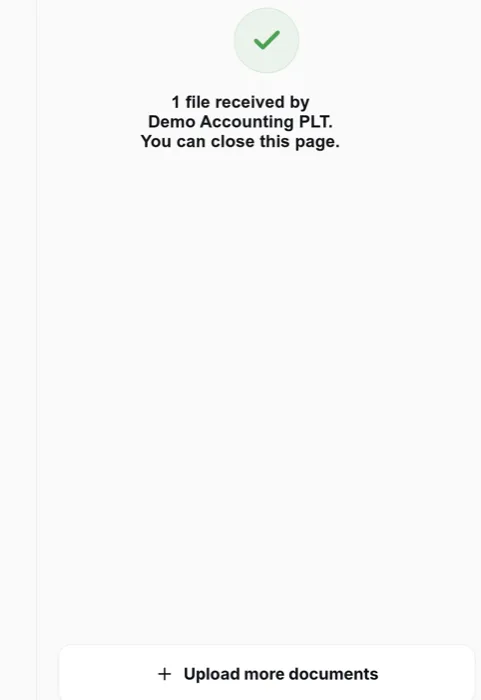
- Clients will not install anything or register a WhatsApp number, but will tap a link.
- Some client books run SQL versions older than EasyScan, and are not upgrading.
At this point most firms price a new hire. Run the clerk-vs-automation maths first.
Seen, Not Described
The firm layer, on screen
Demo workspace, synthetic documents, real screens — captured 3 September 2026.
No Call, No Form
Test us with 10 real invoices.
WhatsApp us 10 invoices from any client. Messy ones welcome. We run them through BalanceNow and send back the entries the same business day.
WhatsApp 10 invoices nowQuestions
Scanner or layer — FAQ
- Is the built-in scanner good enough for my business?
- For one company scanning its own receipts and bills into its own book — usually yes, and SQL’s is free until the end of 2026. The built-in tools are the right first step for a business doing its own bookkeeping.
- When does an accounting firm outgrow it?
- At roughly the fifth client book. The signs are always the same: staff switching between companies to scan, a month-end bundle arriving as one PDF, quotations and delivery orders mixed into the pile, a junior not knowing whether something posted without opening the ledger, and clients who will not install anything.
- Can I use BalanceNow and the built-in scanner together?
- Yes. They do not conflict — BalanceNow posts purchase invoices into the ledger like any other entry, and a client can keep using EasyScan or Smart Scan for their own receipts. Firms typically route the supplier-invoice pile through BalanceNow and leave the client’s own scanning alone.
- Does BalanceNow replace SQL Account or AutoCount?
- No. The ledger stays exactly where it is — local or cloud. BalanceNow prepares and posts entries into it; it is not an accounting system and does not submit e-Invoices.
- What about a client on an older SQL version without EasyScan?
- That is a common case: EasyScan needs SQL Account 5.2025.1061.890 or later, and many client installs are older. BalanceNow posts into SQL Account versions that predate EasyScan, so the client does not need to upgrade for the firm to automate their key-in.
Vendor facts and sources are on the EasyScan and Smart Scan pages. The category itself is explained in AI bookkeeping in Malaysia, and the wider field is in our 2026 AI bookkeeping software comparison. We build BalanceNow, so read the BalanceNow column as a claim you can test in a demo, not a neutral verdict.
Last reviewed 3 September 2026 · BalanceNow team · Questions? hello@balancenow.com.my
Get Started
Bring the pile from your messiest client.
20 minutes, your own documents, posted into AutoCount or SQL Account in front of you — then decide which column you live in.