
SQL Accounting Integration
Stop Keying Supplier Invoices Into SQL Account.
BalanceNow reads your clients’ supplier documents — PDFs, phone photos, even handwritten bills — and turns them into SQL-ready entries. Built for the monthly pile, not one scan at a time. Nothing enters the books until a person approves it.
“50 invoices — 5 minutes, settle.” by Managing Partner, KL accounting firm
SQL Account Direct Posting
One click into your company book
- Your accountant reviews and approves the prepared entries
- One click — posted straight into your SQL company book
- No exporting, no importing, no re-keying. First in Malaysia
- Confirmed with proof — source document attached to every entry
SQL Account Import
Import-ready file, you run it
- Your accountant reviews and approves the prepared entries
- BalanceNow generates an import-ready file for SQL Account
- Download the structured file
- Run the import yourself — no direct change made by us
On the export path, BalanceNow makes no direct change to your SQL data — you stay in full control of the import.
Before Anyone Approves
What the AI prepares for your team
Juniors stop typing and start checking. Seniors check the accounting, not the typing.
Every line extracted
Supplier, date, invoice number, amounts, line items — even from phone photos and handwritten bills.
Accounts suggested with reasons
A reason you can read on every suggestion — no black box.
No duplicate creditors
"Syarikat ABC Sdn Bhd" and "ABC Sdn. Bhd." resolve to the same creditor instead of becoming two. New suppliers created and classified, visibly.
Problems stopped at the door
Duplicate invoices, wrong-month documents and non-invoices flagged before they reach the books.
Habits remembered per client
Each client book keeps its own account habits — the same workflow across every company book your firm runs.
Approval gate, always
No auto-approve, by design. Accountants carry the liability, so accountants keep the final say.
No Call, No Form
Test us with 10 real invoices.
WhatsApp us 10 invoices from any client. Messy ones welcome. We run them through BalanceNow and send back the entries the same business day.
WhatsApp 10 invoices nowFAQ
SQL Accounting questions, answered straight
- SQL Account already has a scan feature — why add BalanceNow?
- Scan features built into accounting software handle one document at a time and fill in fields. BalanceNow is the batch workflow that runs before SQL Account: a whole month of client documents at one go, duplicates and wrong documents stopped at the door, creditors matched without creating near-duplicate names, account habits remembered per client, one approval queue for the whole pile. Different layer, different job.
- How do approved entries actually get into SQL Account?
- One click — approved entries post straight into your SQL company book. No exporting, no importing, no re-keying; we are the first in Malaysia to do this for SQL Account. Setup is a one-time guided install on the machine that runs SQL Account, done within a day. Prefer full manual control? Download an import-ready file and run the import yourself — on that path BalanceNow makes no direct change to your SQL data.
- We run many SQL company books. Does that work?
- Yes — that is the normal case for a firm. Each client is set up once with its own book and its own account habits, and your staff work the same review workflow for every client, whichever book the entries end up in.
- Will it create duplicate creditors from name variations?
- That is exactly what the matching is built to avoid. Invoices are matched against your existing creditor list with name variations detected. A genuinely new supplier is created and classified, visibly, before approval.
- Can it read handwritten bills and WhatsApp photos?
- If a person can read it, BalanceNow can key it in — handwritten bills and WhatsApp photos included. Anything unclear is flagged for review instead of being guessed at quietly.
Comparing with the built-in scanner? Read our plain-language guide to SQL AI EasyScan — what it does, what it costs, and where a firm needs more.
Seen, Not Described
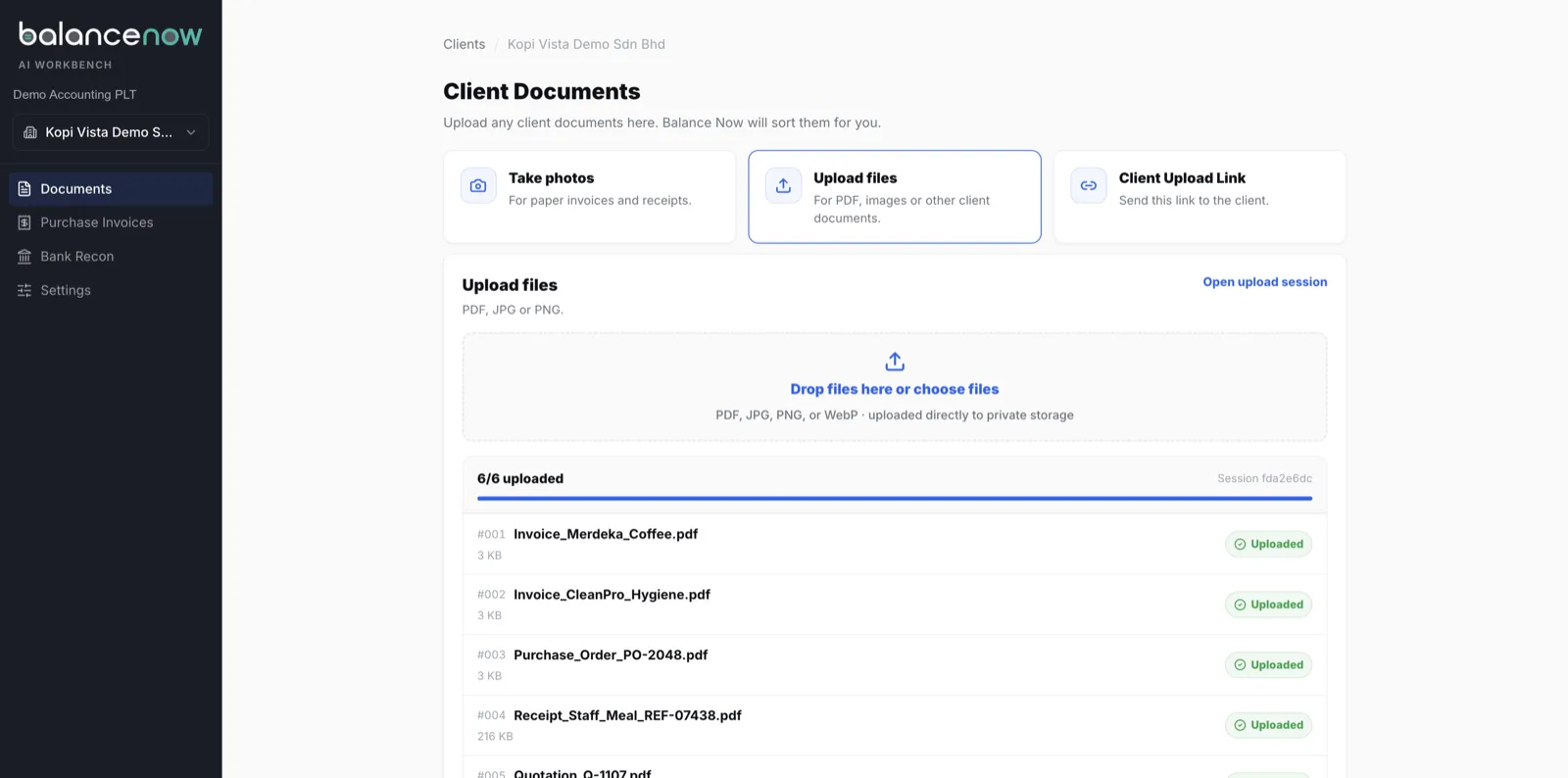
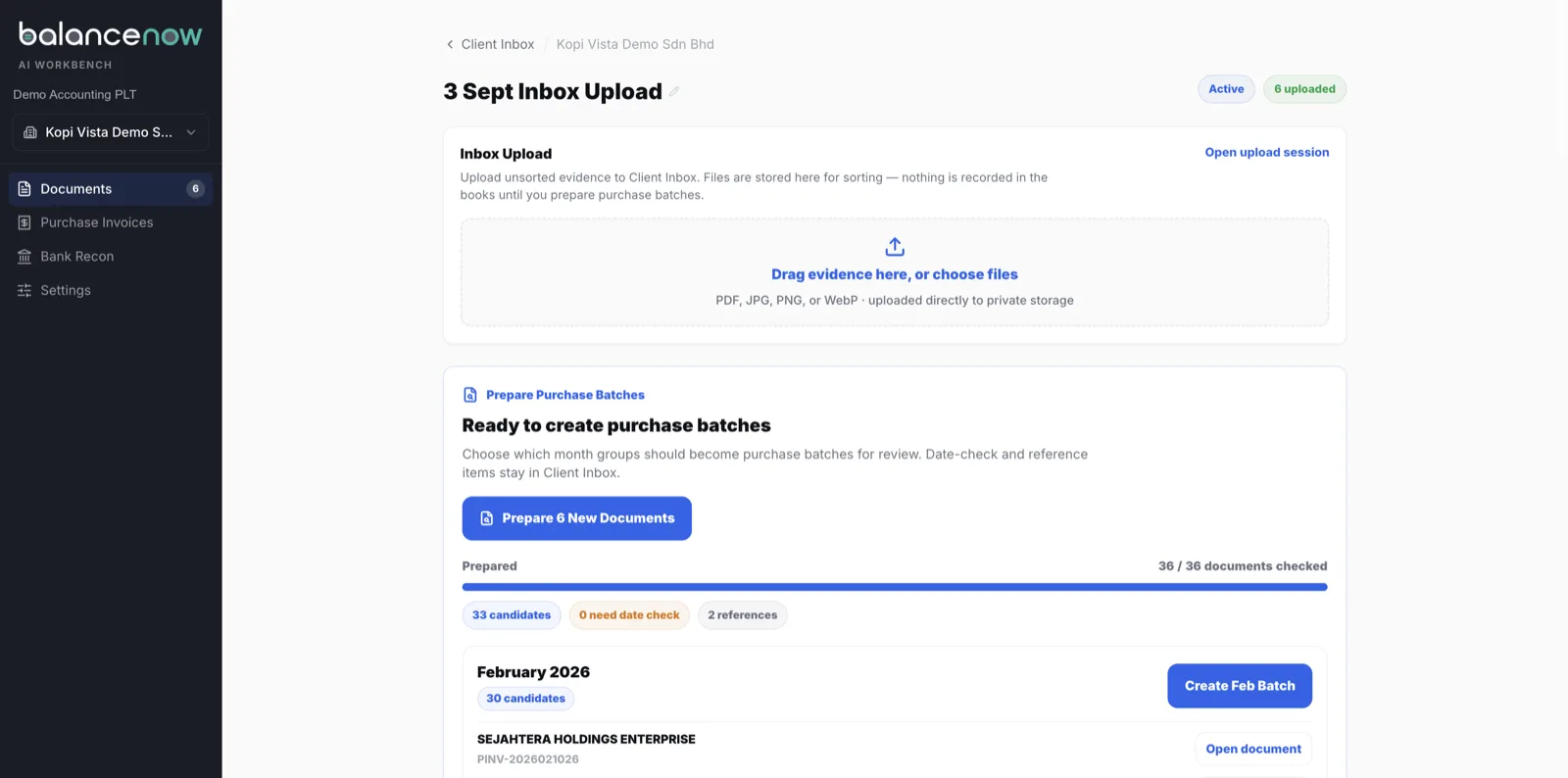
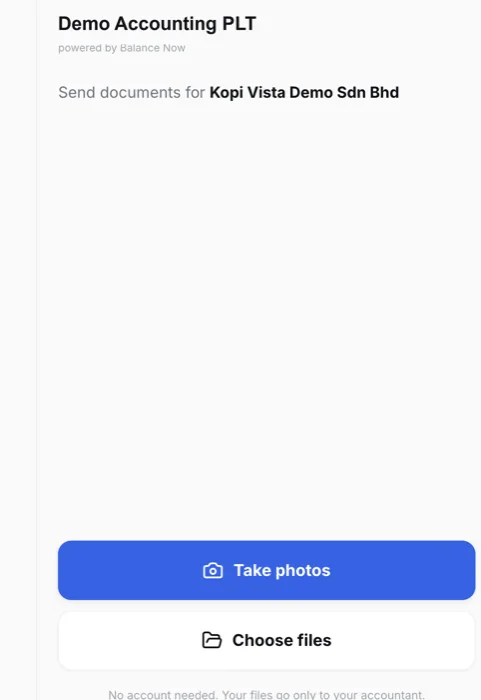
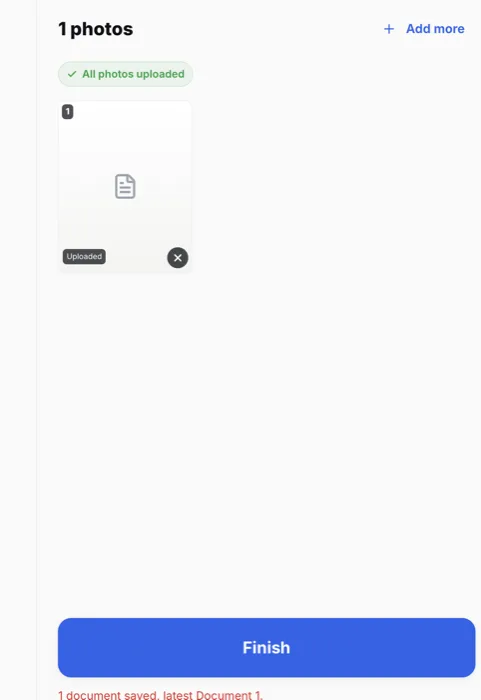
Real screens, demo data
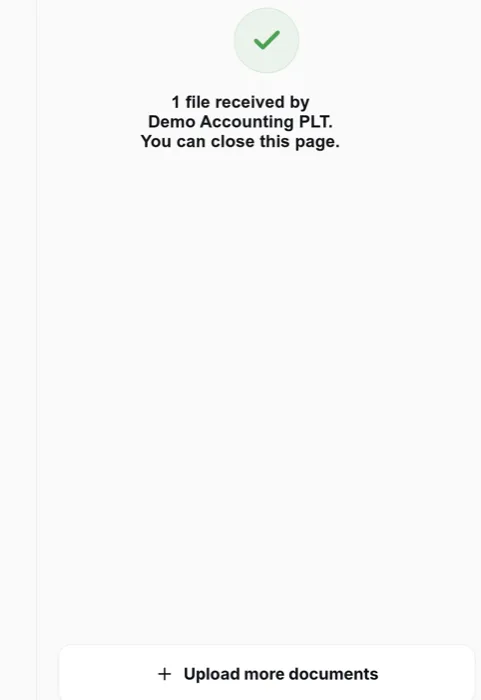
How a month of client documents reaches SQL Account — captured on a demo workspace, 3 September 2026.
Get Started
Bring Your Toughest Client's File.
20 minutes, on your real documents — watch them get keyed in, checked, and made ready for your SQL book, live in front of you.
Doing imports by hand today? Read the SQL Excel import guide. Also using AutoCount for some clients? See the AutoCount integration.
Last reviewed 20 July 2026 · BalanceNow team · Questions? hello@balancenow.com.my