
Compare
SQL AI EasyScan: What It Does, What It Costs, and Where a Firm Outgrows It.
SQL built a good scanner into SQL Account and made it free for 2026. If you run one company’s books, use it. If you run forty clients’ books, read the four points below first.
The Facts
SQL AI EasyScan at a glance
Taken from SQL’s product page, documentation and changelog as at 3 September 2026.
| What it is | AI OCR built into SQL Account that turns receipts, bills and invoices into draft entries |
| Intake | Photo or file via a registered WhatsApp number, or direct upload in SQL Account |
| What it extracts | Supplier, date, document number, description, line items, tax, totals, payment method |
| Document handling | Detects type (SI / PI / PV), assigns category and GL code, groups several files into one entry, merges lines to one line, flags duplicates, learns your coding habits |
| Where documents live | Stored in the SQL database, attached to the posted document |
| Version required | SQL Account 5.2025.1061.890 or later (12 Dec 2025, database v220) |
| Price | Free until 31 December 2026, unlimited scans (SQL). After that: not published; dealers list RM100 |
| Scope | One SQL company book at a time; WhatsApp can switch between registered companies |
For Accounting Firms
Four points where a firm needs more
None of these matter for a business scanning its own receipts. All of them matter by the fifth client book.
One company book at a time
EasyScan lives inside the SQL Account company you have open. WhatsApp intake supports several registered companies, but you switch between them — there is no single review queue across forty client books.
Its “group files” goes the other way
The documented workflow combines several files into one entry. There is no documented step for the opposite problem — a client’s 30-invoice PDF that needs to become 30 purchase invoices.
Everything you upload is treated as a document to post
The docs describe categorising and posting. They do not describe routing out a quotation, a delivery order or a bank slip that a client mixed into the pile — that sorting still happens before upload.
Version-gated, and free only for now
EasyScan arrived in SQL Account 5.2025.1061.890 (12 December 2025). Older installs must upgrade first. SQL’s page says free with unlimited scans until 31 December 2026; pricing after that is not published — dealers currently list RM100.
The Other Layer
What a firm workflow adds on top of SQL Account
BalanceNow does not replace SQL Account. It sits in front of it, for every client book at once.
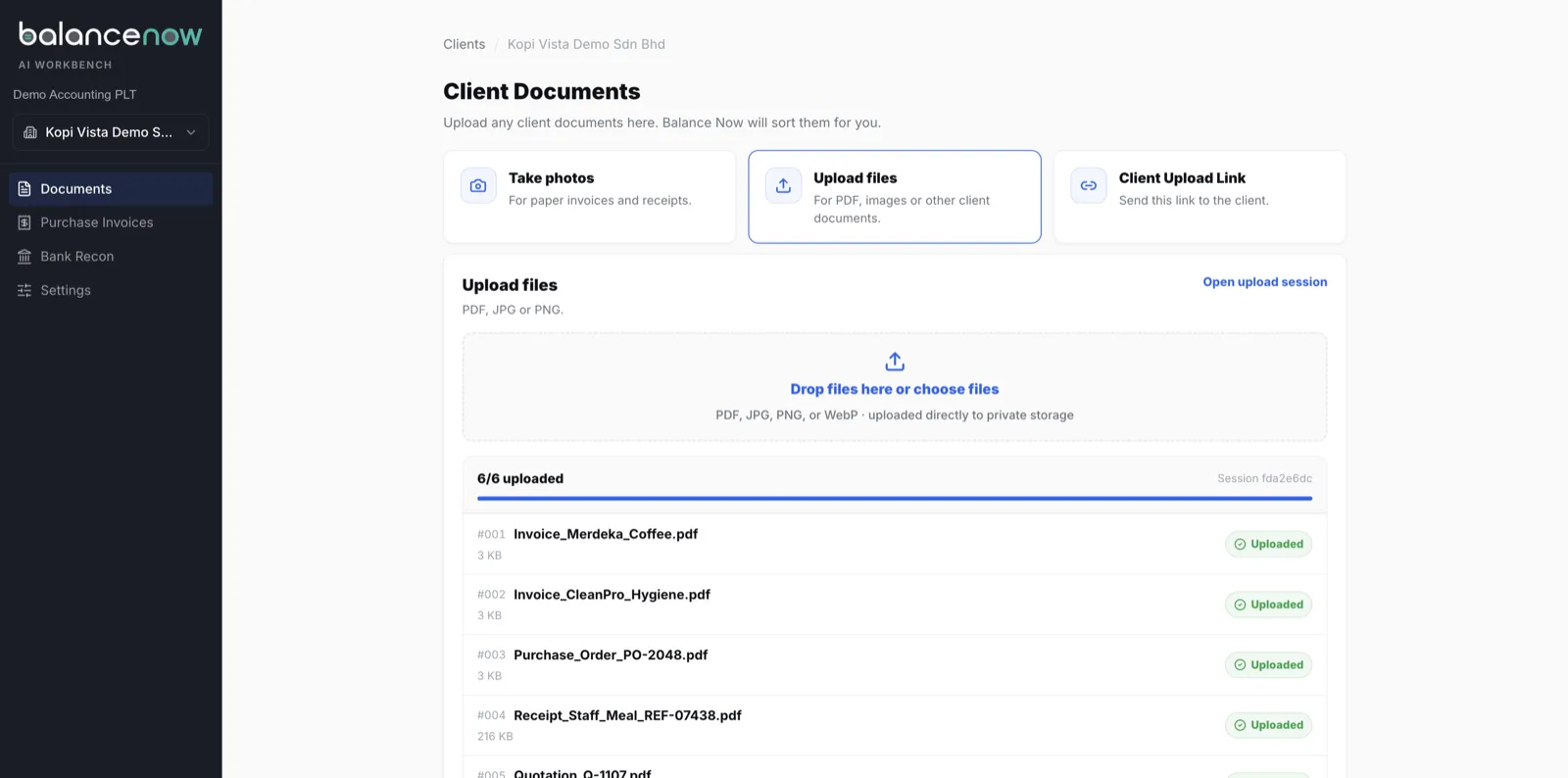
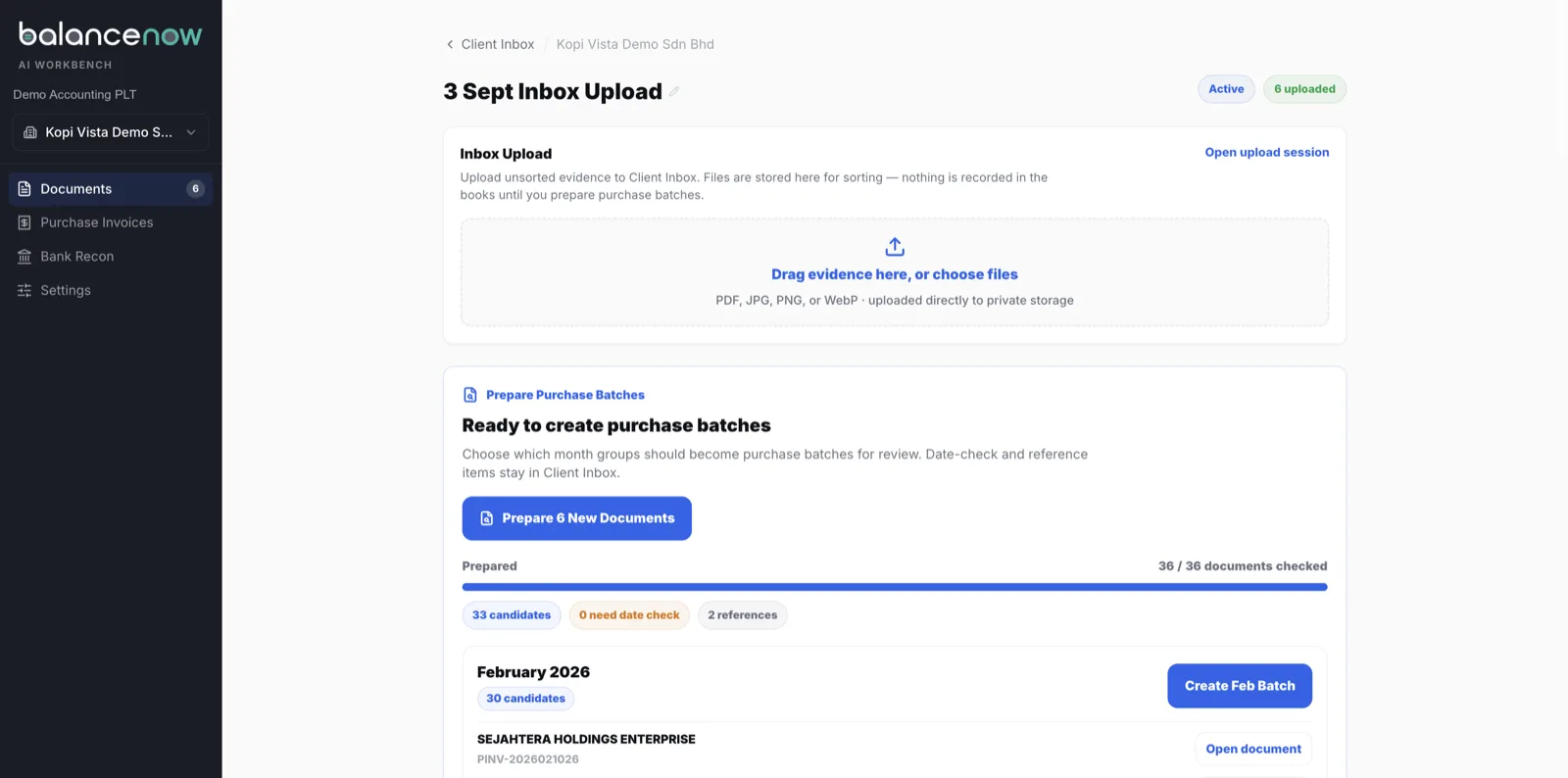
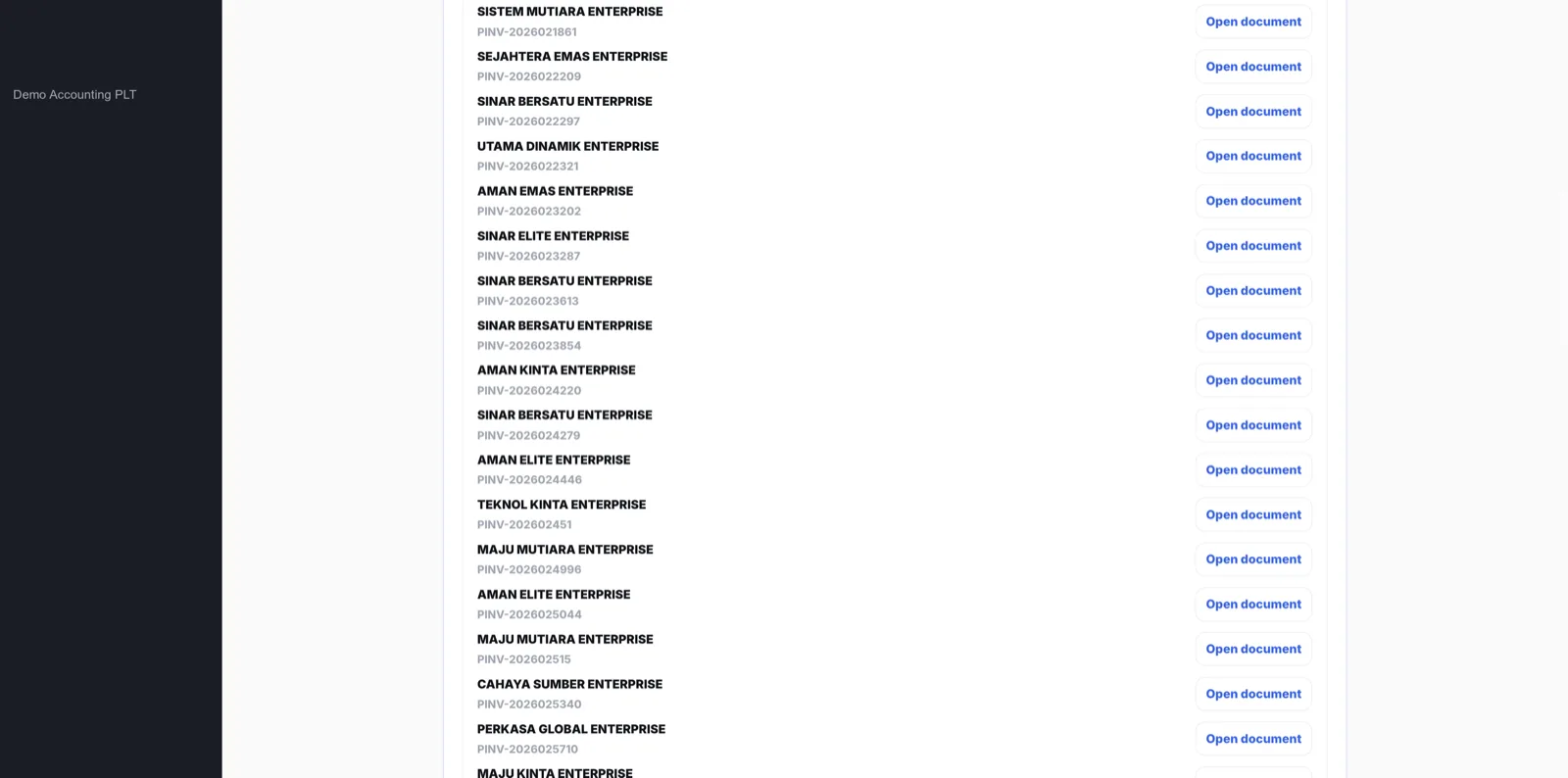
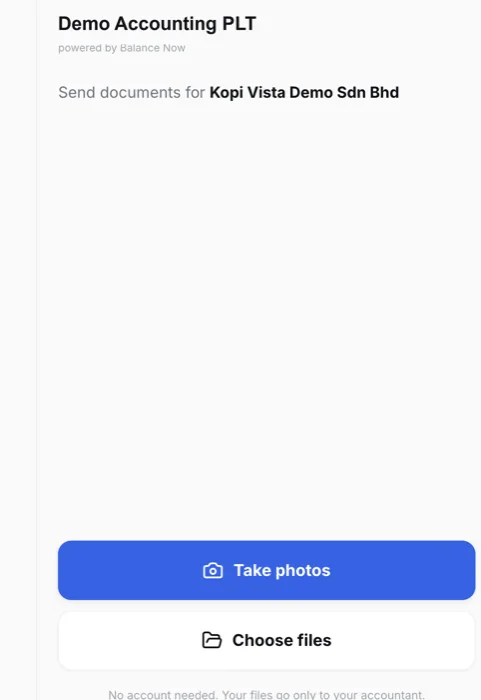
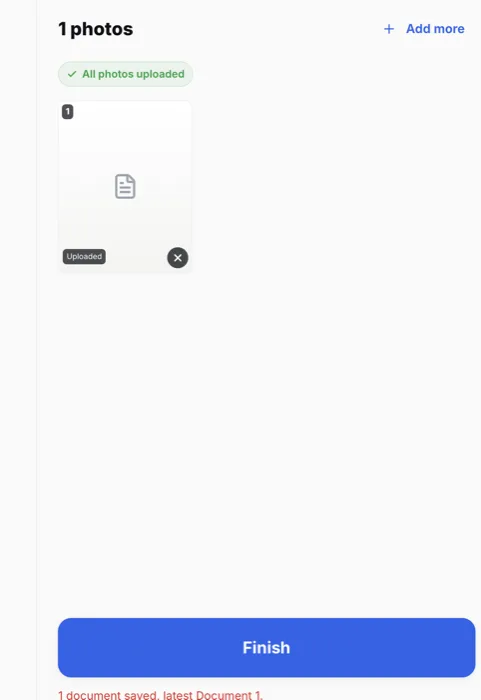
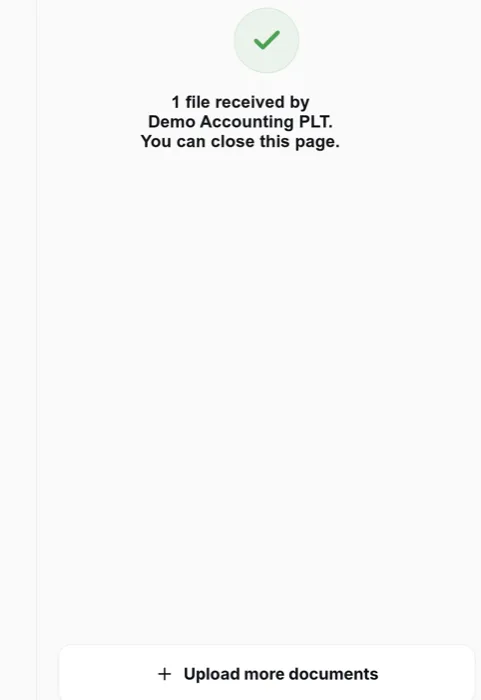
Clients drop documents through a link — no login, no WhatsApp registration — or you upload the month in one go. A 30-invoice PDF becomes 30 records. Quotations, delivery orders and bank slips are routed out before a reviewer sees them, and do not count against your quota. New suppliers are created in SQL on first sight. Every client’s entries sit in one review queue, and each approved entry posts into SQL Account — local or cloud — with the source document attached, and shows as posted without opening SQL.
It also works with SQL Account versions that predate EasyScan, which matters for firms whose clients have not upgraded. If you prefer to keep SQL’s own import route, the mechanics are in our SQL Account Excel import guide. The row-by-row view against a firm workflow is in Built-in scan vs a firm workflow; the wider comparison of tools is in our 2026 AP automation comparison, and the AutoCount equivalent is covered in our AutoCount AI Smart Scan guide.
Seen, Not Described
What the firm layer looks like
Demo workspace, synthetic documents, real screens — captured 3 September 2026.
No Call, No Form
Test us with 10 real invoices.
WhatsApp us 10 invoices from any client. Messy ones welcome. We run them through BalanceNow and send back the entries the same business day.
WhatsApp 10 invoices nowQuestions
SQL AI EasyScan FAQ
- How much does SQL AI EasyScan cost?
- According to SQL’s own page, EasyScan is free until 31 December 2026 with unlimited OCR scans and 10 years of data storage. Pricing after that date is not published; SQL dealer price lists currently show RM100. Ask your dealer what the post-2026 model will be before you build a workflow around it.
- Which SQL Account version has AI EasyScan?
- SQL’s changelog lists AI EasyScan from version 5.2025.1061.890, released 12 December 2025, which upgrades the database to v220. If your firm or your clients run an older SQL Account, EasyScan is not there until the software is upgraded — and an upgrade may involve your dealer and maintenance.
- Does SQL AI EasyScan work with local (on-premise) SQL Account?
- Yes — it is a feature of SQL Account itself, not of SQL Cloud, so it runs wherever a supported version is installed. The version requirement above applies either way.
- How does the WhatsApp upload work?
- A user’s mobile number is registered in SQL Account (Tools → Maintain User), then linked through a registration link that expires in five minutes. After that, photos and files sent to the registered WhatsApp number land in EasyScan for that company. One number can be linked to several companies and switched with a command.
- Can EasyScan split one PDF that contains many invoices?
- SQL’s documentation describes grouping several files into one document and merging item lines into one line. It does not describe splitting a multi-invoice PDF into separate documents. If your clients send month-end bundles as a single file, check this specifically in a trial.
- What is the difference between SQL AI EasyScan and BalanceNow?
- EasyScan is a scanning feature inside one SQL company book — the right first step for a business doing its own books, and free today. BalanceNow is a layer for the firm: one queue across every client book, a client upload link with no login, a 30-invoice PDF split into 30 records, quotations and delivery orders routed out before anyone reviews them, suppliers created on first sight, and approved entries posted into SQL Account — local or cloud — with the source document attached. It also works with SQL versions that predate EasyScan.
Sources
Where these facts come from
- SQL AI Easy Scan product page (features, free-until-31-Dec-2026 offer).
- SQL documentation — AI EasyScan (WhatsApp registration, group files, merge, duplicate check, switch company).
- SQL Account changelog (5.2025.1061.890, 12 December 2025 — database v220 featuring AI EasyScan).
- SQL dealer price lists (RM100 listing), September 2026.
We build a product that posts into SQL Account, so we have an interest here. Everything above about EasyScan comes from SQL’s published material, not our testing, and features change between releases — check the current version and ask your dealer before deciding.
Last reviewed 3 September 2026 · BalanceNow team · Questions? hello@balancenow.com.my
Get Started
Bring one client’s messiest month. We’ll post it into SQL.
20 minutes on your own documents — local or cloud SQL Account — and you decide whether the firm layer is worth it.